Fits your governance
Ornexia speaks your language
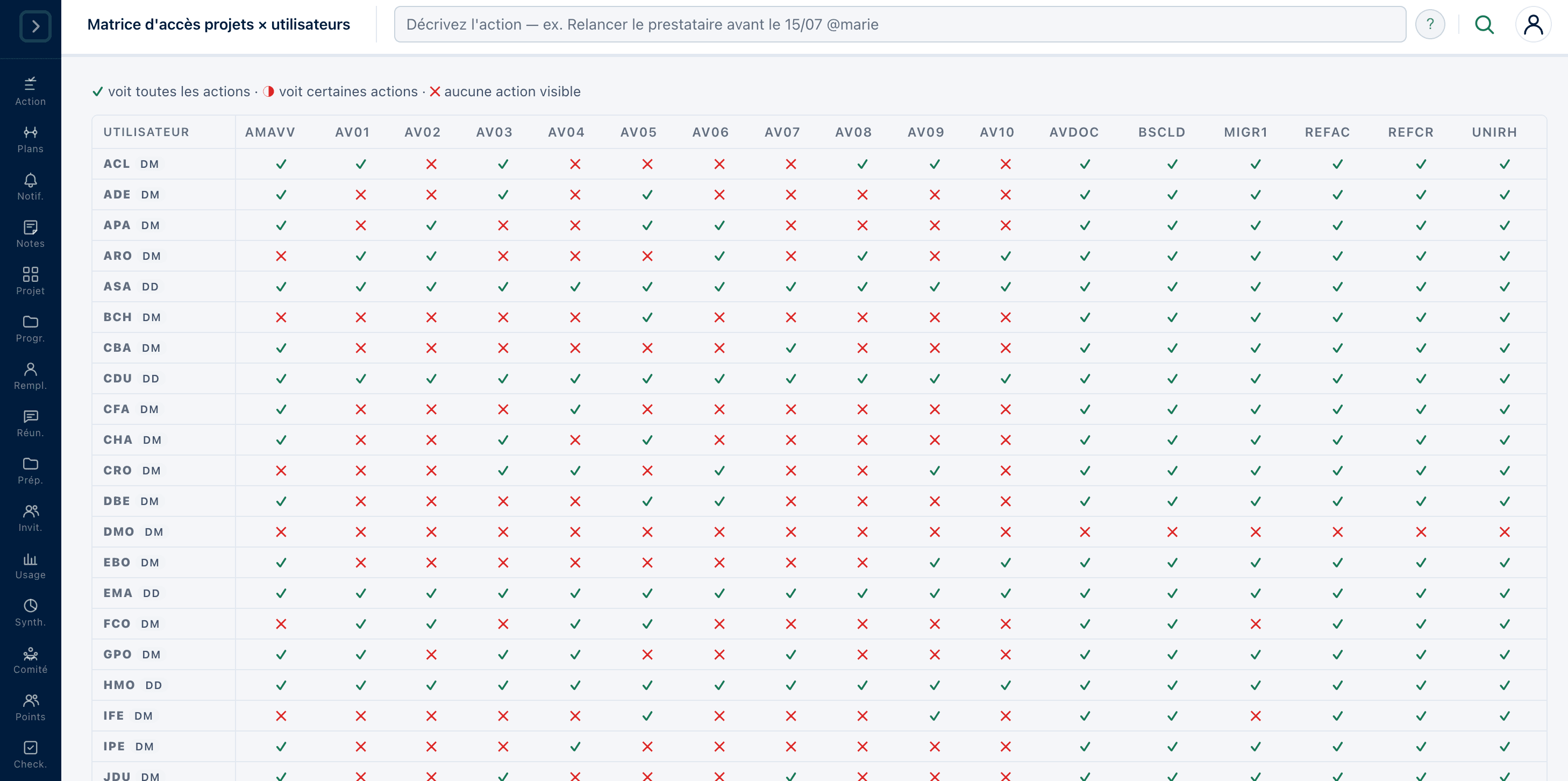
Your words, your stages, your statuses, your roles, your rights. The tool adjusts to your organisation, and you can check who sees what at any moment.
Included in every planOrnexia in 3 sentences
- Ornexia is the steering hub for your committees and your action plans.
- The AI drafts your minutes, extracts the actions, and advises you at the right moment.
- Every decision becomes a tracked action, with an owner and a due date, through to closure.
Use your own vocabulary on every screen
Every organisation has its own lexicon, its own project stages, its own way of naming roles. Adopting a tool often means adopting its own along the way, then translating in your head in front of every screen.
Ornexia adjusts to yours. What your teams read on screen are the words they already use.
How it works
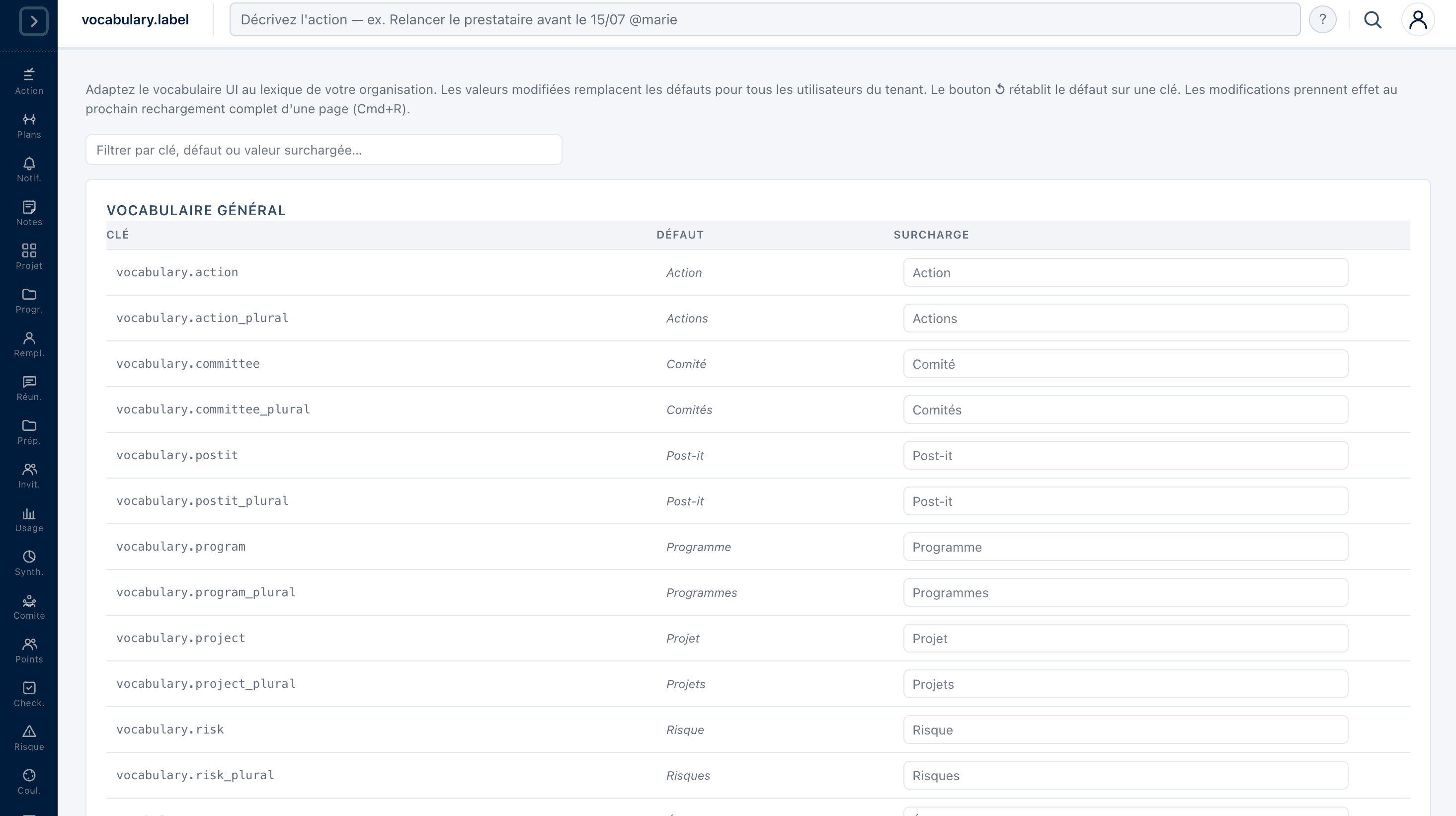
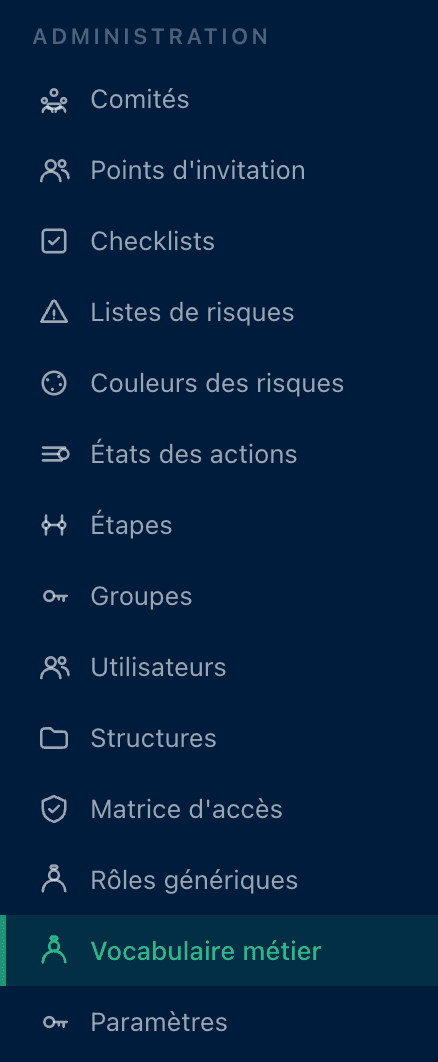
An instance that looks like you
On day one, your teams open a tool showing their words, their stages and their roles. There is nothing to translate, and so almost nothing to explain.
That is the difference between a tool you roll out and a tool people adopt.
What it changes for you
PMO, method lead
Your internal standards apply as they are, with no negotiating against the tool's model.
CIO
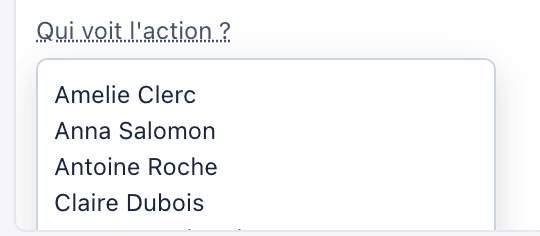
Rights are set by group, and real visibility can be checked project by project as well as action by action.
These libraries feed your checklists and risk lists, and the thresholds you set drive the health indicators of your action plans.